Can I edit my uploaded logo or artwork online?
Yes, for some uploaded image logos. Open the design section of your quote and select Edit Image. The editor opens over the quote and shows the artwork inside the relevant print area.
The editor is available for a Logo when the artwork is a supported image file, a size has been supplied, and the design has not already been ordered or set up for production. It is not available for text, individual text or leavers design types, for vector or other non-image artwork, or before an image and size have been supplied.
If Edit Image is unavailable, choose Upload Design Here and add instructions in Notes, or contact the sales or artwork team for help with a file that cannot be edited online.
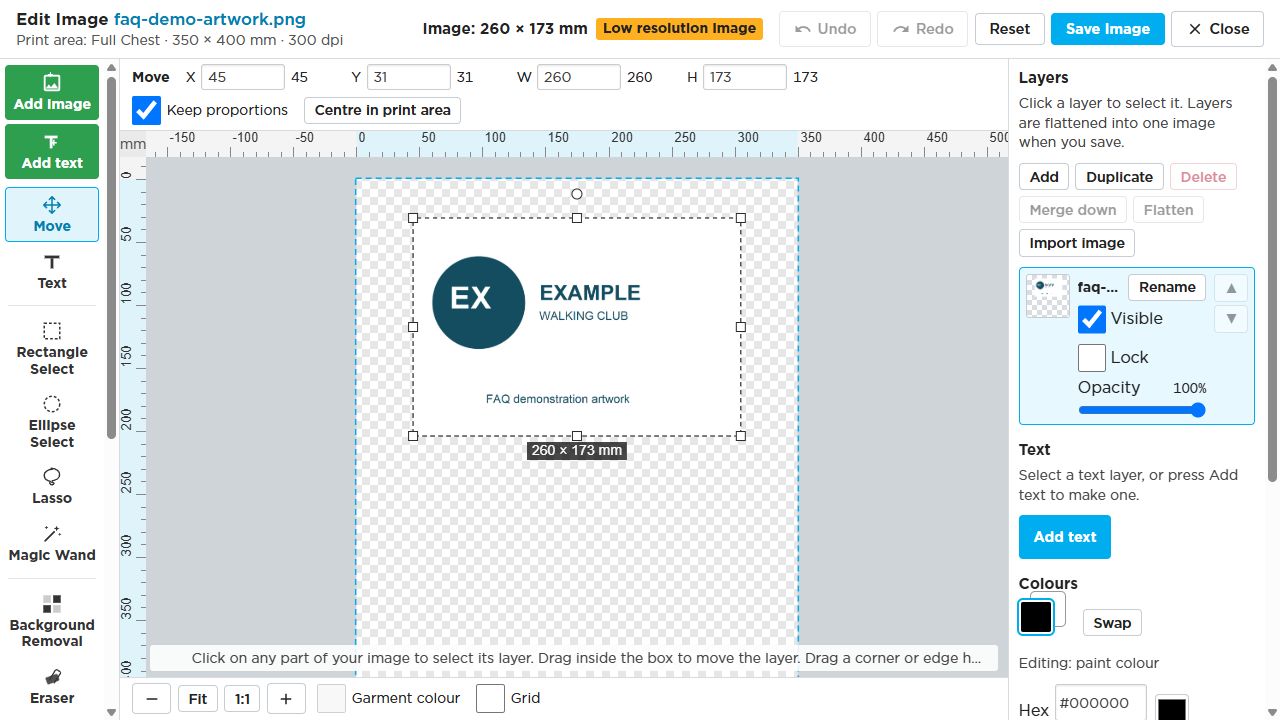
Continue with the tool guide, size and print-area guidance, layers, or undoing and saving changes.
Select the screenshot to open it at full size. The images use example artwork; your order and available choices may look different.