What fonts are available for text designs?
The Text settings panel shows the fonts currently available for your design. In a standard text design, select Edit Design Text Settings to open the text controls and choose a font. In the image editor, choose Add text and use the Text panel's Font control.
The image editor and standard text designs use the same available fonts, colours and styling choices. Per-line styling can use a different available font where that option is offered.
If a particular font is not listed, uploading a font file will not add it to the choices. Add a note describing the typeface you need or contact the team so they can advise. Lettering already inside a raster logo is part of the picture and cannot be edited as typed text.
Check the preview and printed size: font choice, line length, spacing and the print area together affect readability.
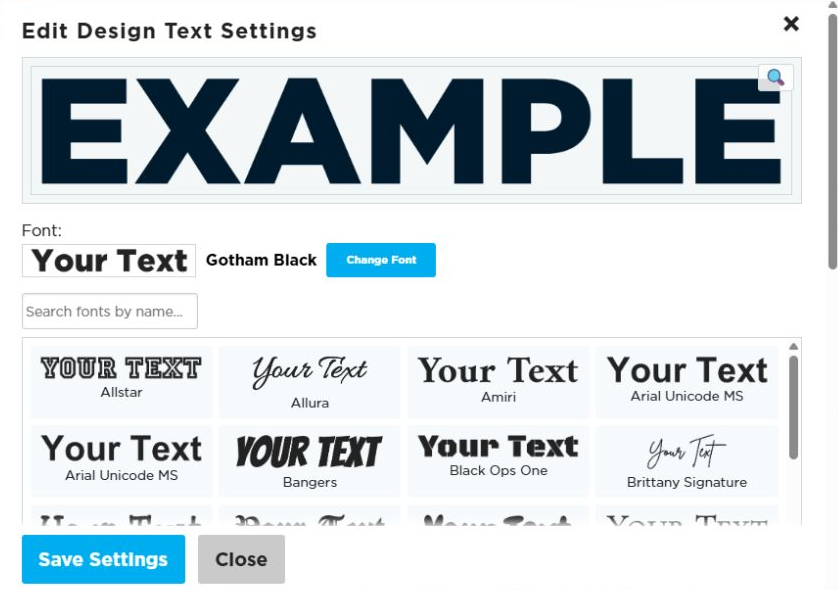
Select the screenshot to open it at full size. The images use example artwork; your order and available choices may look different.